Free calculator
Internet radio bandwidth calculator
Bandwidth is bitrate multiplied by listeners multiplied by time. Set the three and the numbers below update as you type.
Monthly data transfer
—
How the calculation works
A stream sends its bitrate continuously to every connected listener, so the arithmetic is a straight multiplication:
bitrate (kbps) ÷ 8 × 3600 = kilobytes per listener per hour
At 128 kbps that is 57.6 MB per listener per hour. Multiply by your average concurrent listeners, by the hours you are on air, and by the days in the month, and you have the monthly transfer.
The figures here use decimal units — 1 MB = 1,000 KB — because that is how hosting providers bill and how transfer allowances are quoted. A provider quoting binary units (1 MiB = 1,024 KiB) will show numbers about 5% lower for the same traffic.
Use the average, not the peak
The most common mistake is entering the best hour. Bandwidth is driven by the average across the whole week, and the average is dominated by the long thin hours — overnight, weekend afternoons, the middle of the morning. A station with a strong breakfast show and a quiet rest of the day usually finds its overnight audience moves more data than the show it is proud of.
Peak concurrency matters for a different reason: it is the throughput the server must sustain at once. That is the figure that decides whether a connection can hold your audience, not whether the monthly allowance covers it.
What else consumes bandwidth
- Uptime monitors and aggregator health checks. Small individually, constant collectively.
- Autoplaying website embeds. A player that starts on page load counts every visitor as a listener.
- Your own studio monitoring, left connected overnight.
- Reconnections. A listener whose player drops and reconnects every few minutes is not a new listener, but the traffic is real.
Reducing it without losing listeners
Lowering the bitrate is the only lever that changes the number without changing the audience. Moving from 192 to 128 kbps cuts transfer by a third, at a difference most listeners cannot identify on the devices they actually use — see what bitrate to stream at for how to decide.
Everything else on that list above is traffic you can remove without a single real listener noticing.
Frequently asked questions
How much bandwidth does an internet radio station need?
A station at 128 kbps with an average of 15 concurrent listeners around the clock moves roughly 620 GB a month. At 192 kbps the same audience moves about 930 GB. Bitrate and average concurrency are the only two inputs that matter.
Is bandwidth the same as total listening hours?
No. Listening hours count time; bandwidth counts bytes. Multiply hours by bitrate and you get bandwidth, which is why plans that sell hours also cap bitrate — the two multiply.
Does a listener on a phone use less bandwidth?
No. The stream is the same bitrate regardless of the device receiving it. Only a separate lower-bitrate stream changes that.
What upload speed do I need to run a station from home?
Only enough for one connection to your streaming host — about 1.5× your bitrate for headroom, so roughly 200 kbps of real upload for a 128 kbps stream. Serving listeners directly from home is what needs the peak throughput figure, and is a bad idea for anything beyond a handful of them.
See it for real
See what the meter looks like from the inside.
The listener figures this calculator estimates are a screen in RadioHost Studio — measured off the stream, with the usage meter beside them. The guided tour walks through it on a station that is on air.
- About 12 minutes
- No account, no credit card
- Real screens, not mockups
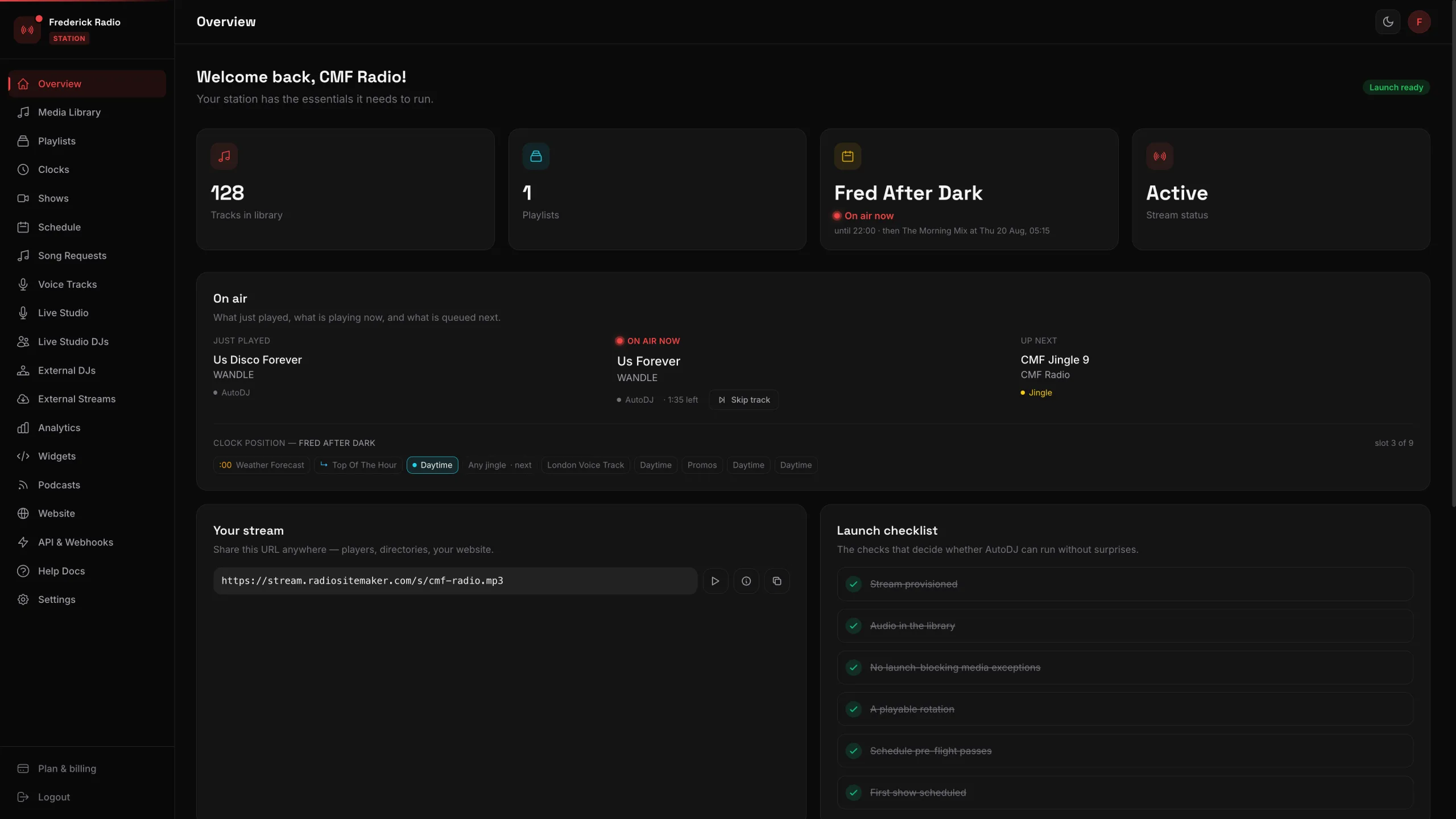 24 screens of a working station, walked through one click at a time