Live Studio
An online mixing desk
for radio DJs
Five faders, two decks, eight jingle carts and a countdown you can read from across the room — radio DJ software that runs in a browser tab and goes straight to your station's stream. The mixer below is the real one, running on a demo station. Try it.
Demo station · drag a fader, fire a cart, load a track. It is silent, and nothing is saved or broadcast.
What is Live Studio?
Live Studio is the live-broadcast desk built into RadioHost Studio. A presenter signs in, opens one page, and has a microphone channel, two music decks and a wall of jingle carts playing from the station's own library — mixed in the browser and sent to the station's stream when they press Go on air. When they come off air, the station goes back to its automation.
What is on the desk
Everything on this list is a control on the page above, not a roadmap.
| Part | What it does |
|---|---|
| Five faders | Mic, Track 1, Track 2, Jingle 1 and Jingle 2, each with a level meter, mute and PFL. The mic starts closed; everything else starts at unity, so the first track you play is never silent because a fader was down. |
| Mic ducking | Opening the mic fader turns the decks down 8 dB, so you can talk over the end of a song without riding two faders. |
| Two decks | Load any track from the library, play, pause, stop or eject. Each deck shows its own remaining time. |
| Waveform and countdown | The focused deck's waveform with a moving playhead. The countdown turns amber under 15 seconds and red under 5. Click to seek, shift-click to set tonight's start point — it never changes the track's trim for the rest of the station. |
| Eight carts | Station IDs, sweepers and promos on one-press buttons: carts 1–4 play on Jingle 1, 5–8 on Jingle 2. Firing a cart on a busy channel replaces what was playing there. Carts take items under five minutes. |
| PFL cue | Pre-fade listen on every channel, so you can audition the next track in your headphones with its fader shut. The on-air mix is dimmed in your headphones while you cue. |
| Master and meter | A master fader from −∞ to +6 dB with unity marked, and an output meter scaled in dB with peak hold and a clip lamp. |
| Headphones | A headphone level, an optional "hear yourself" foldback that is off by default, and a choice of headphone output device in browsers that support one. |
| Mic or line in | A microphone gets a voice chain: mono, rumble filtered, gentle compression. Line in passes an external mixer's stereo programme straight to air, untouched. |
Who gets to use it
Two ways to put a live presenter on your station, and the Studio plan includes both.
10 deejay logins
Invite presenters by email. Each one signs in to their own Live Studio and a list of their own shows, and can upload up to 25 tracks of their own without touching the station's library. Their studio opens 10 minutes before a show they are booked on.
Either way the station takes one live source at a time, and the schedule decides who that is. Live shows sit in the same week grid as the automated hours — see radio automation software for how the rest of the station runs without anyone at the desk.
See it for real
See the handover from automation to a live show.
Presenter logins, going live from the browser, and what the station does the moment a show ends — walked through on a running station, with no account needed.
- About 12 minutes
- No account, no credit card
- Real screens, not mockups
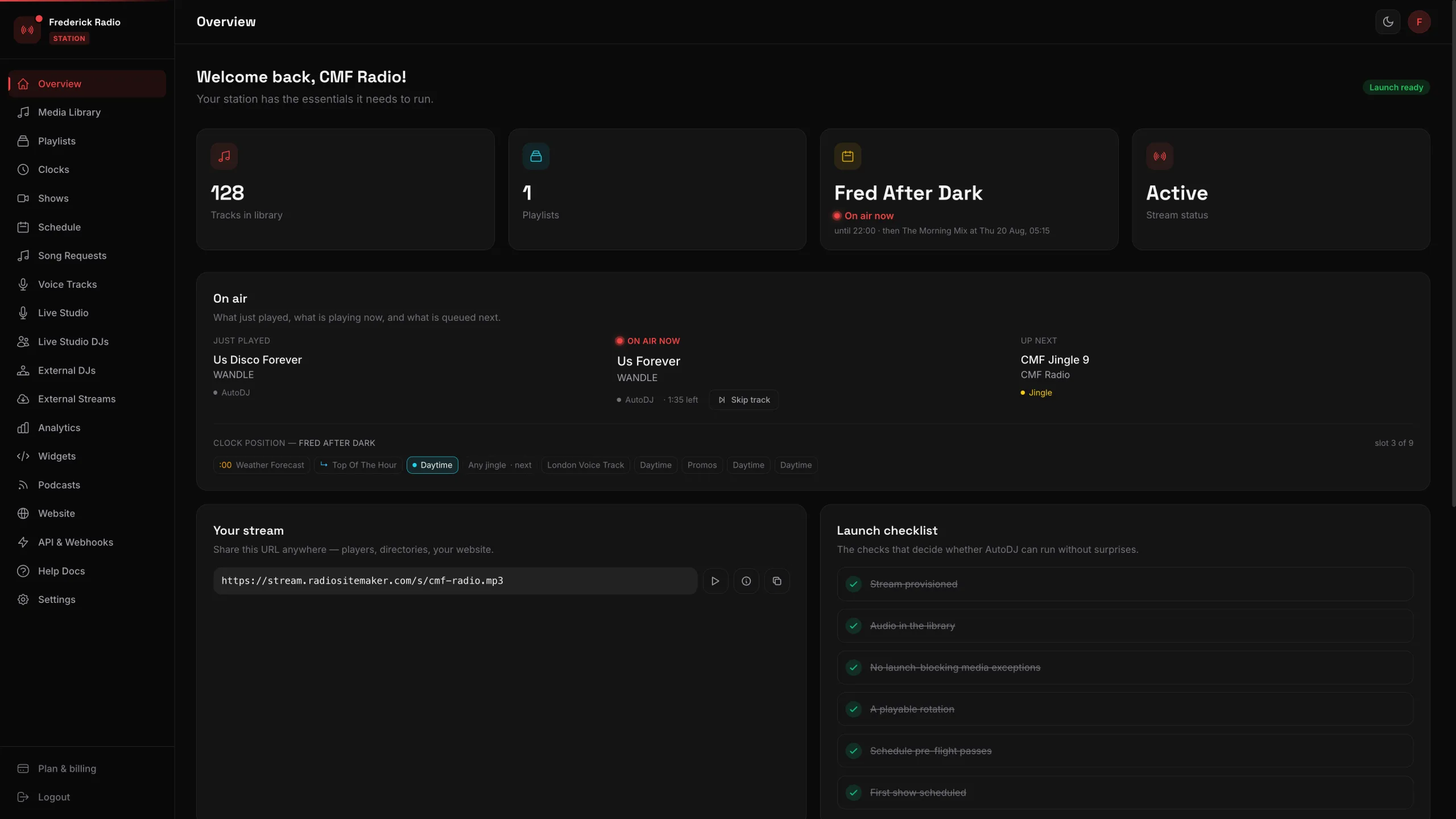 24 screens of a working station, walked through one click at a time
Put your presenters on air from a browser
Live Studio comes with RadioHost Studio: automation, scheduling and the stream itself, with 10 deejay logins and 5 external DJ credentials included. $25 a month, or $199 a year.
A trial can try the mixer; going on air starts with a subscription.